
Reviewed
Who a VRS system makes sense for
This guide focuses on building or upgrading a PC simulator. Our approach is to share the budget between steering, braking and a stable driving position instead of spending almost everything on the wheelbase. You do not need to replace working equipment: if you already have suitable pedals, a wheel or a sturdy cockpit, compare completing that system with buying everything again.
These recommendations are editorial selections supported by manufacturer documentation, not hands-on test results or a promise of faster laps.
Official manufacturer sources: VRS DFP15: características y conexión · VRS: manuales y software
DFP15: build the system around the wheelbase
The DFP15 offers 15 Nm peak torque, an integrated controller and front or bottom mounting. It is a starting point for someone who wants direct drive and prefers to choose the wheel and pedals separately. Torque describes the base's capability; it does not mean you should drive at maximum force or that a higher figure is automatically the best purchase.
Before choosing it, check attachment to your cockpit and the exact wheel connection. If the wheel is a separate component, review the base options so it is not counted twice. The uDFP20 is a different family with torque levels upgradeable to 20 Nm; do not confuse those options with DFP15 power variants.
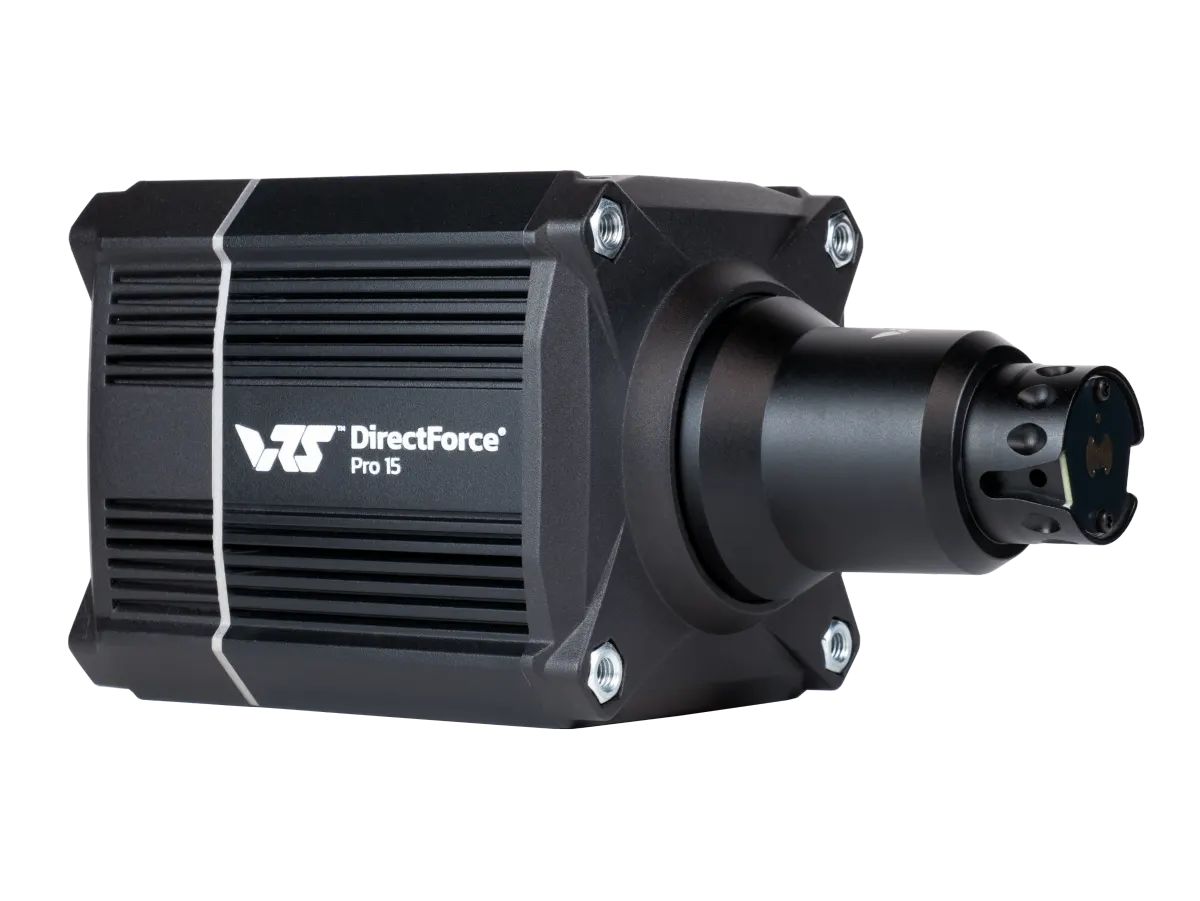
VRS DFP15
15 Nm · PC · QR V2
Official manufacturer sources: VRS DFP15: características y conexión · VRS uDFP20: niveles de par actualizables
R295 or R295 G2: the connection matters
Both R295 wheels are 295 mm models aimed at GT and formula driving. The G2 adds an onboard USB port and magnetic cable, alongside changes to the grips. This connection makes it easier to consider a third-party base, but does not by itself solve mechanical mounting.
Do not treat the original R295 and G2 as the same reference. For VRS (u)DFP20 bases, the manufacturer documents the corresponding QR Connect adapter. With third-party equipment, check attachment, data and power separately. A physically fitting quick release does not guarantee matching electrical contacts.
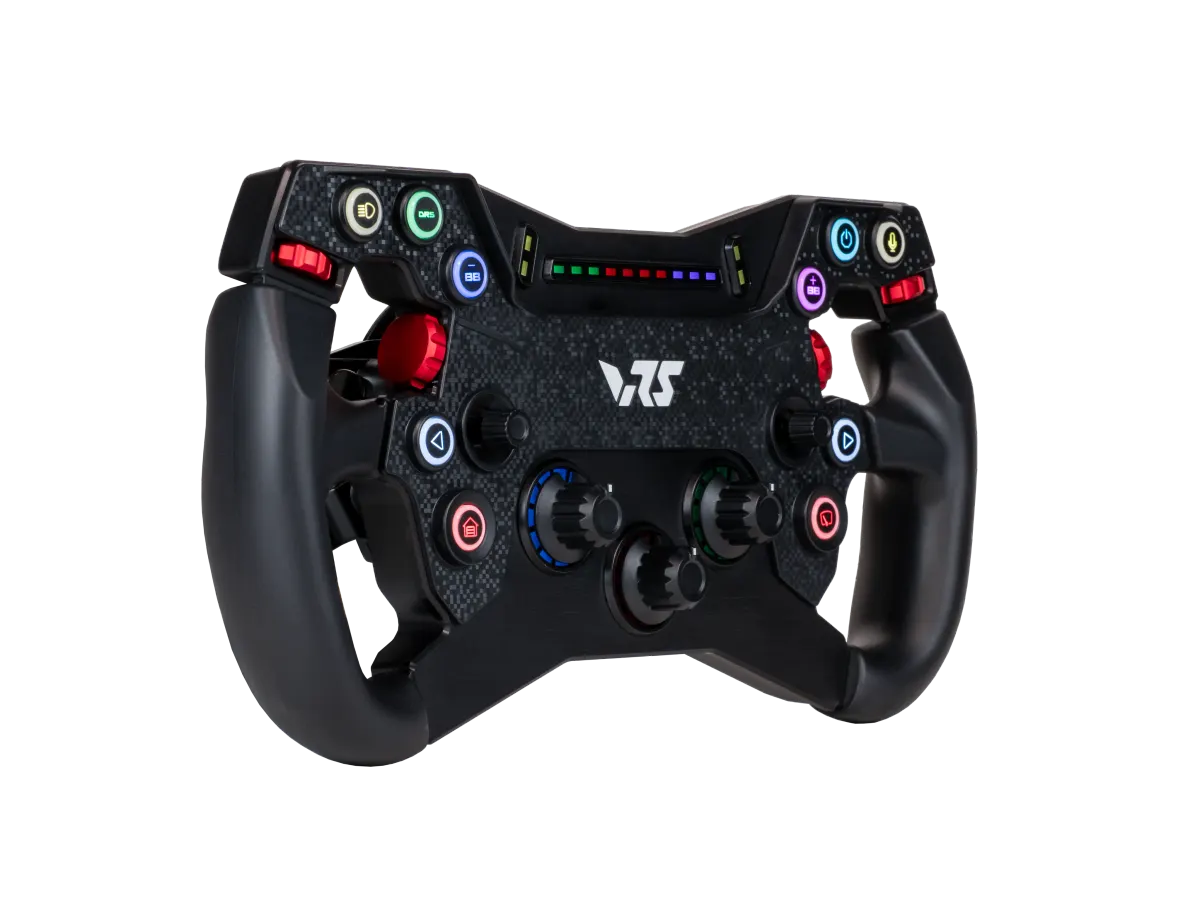
VRS R295
295 mm · GT / Formula
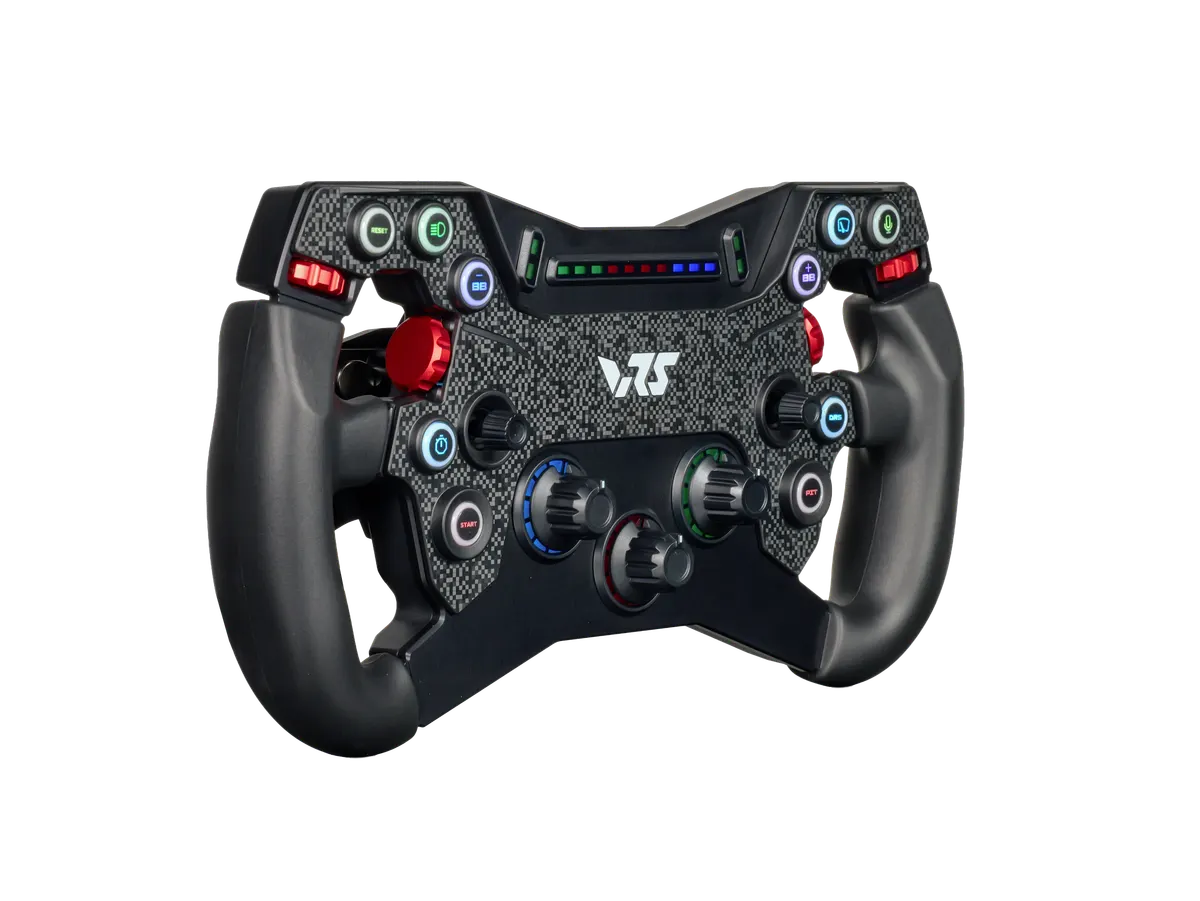
VRS R295 G2
295 mm · USB · GT / Formula
Official manufacturer sources: VRS R295: características y adaptadores · VRS R295 G2: USB y montaje · VRS QR Connect: guía de conexiones
Pro Pedals: two pedals now, clutch when needed
DirectForce Pro pedals let you start with throttle and brake and later add the same family's clutch to the controller. The load-cell brake offers mechanical adjustment. Choose around the cars you drive: paddles do not automatically mean you need a third pedal, while an H-pattern shifter calls for thinking about how you will use a clutch.
If you already own these pedals and only need that function, add the compatible clutch rather than replacing the whole set. Keep the two-pedal set distinct from the clutch add-on when calculating cost. Also check mounting: a sensible purchase is less useful if the support or driving position prevents comfortable, repeatable braking.
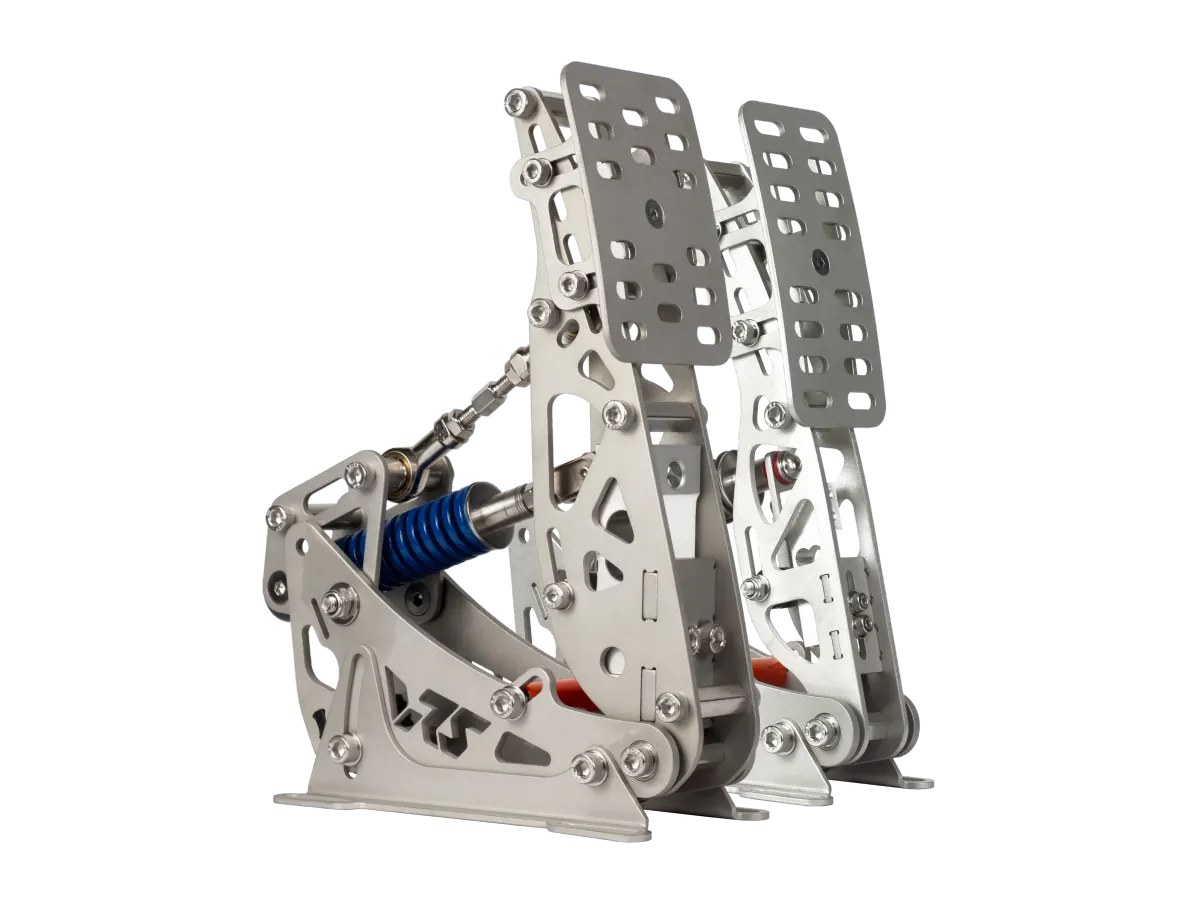
VRS DirectForce Pro Pedals
2 pedals · USB
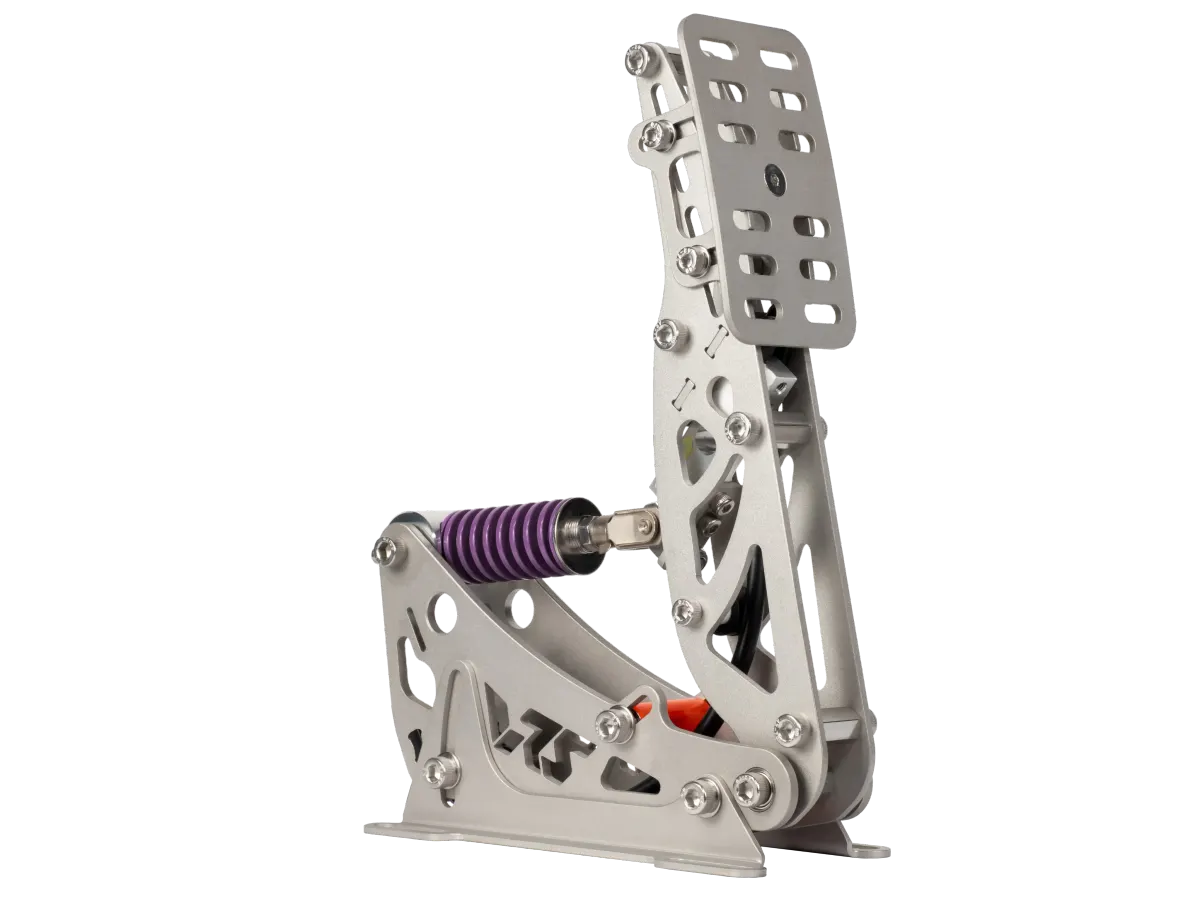
VRS DirectForce Pro Clutch
Optional clutch · VRS Pro
Official manufacturer sources: VRS DirectForce Pro Pedals · VRS: manuales y software
GT-2: specify the seat and screens before adding up
The GT-2 is an aluminium-profile cockpit configurable with a seat and different mounts. A photograph of a complete system does not mean every pictured item belongs to the starting configuration. First decide whether to keep your seat and which mounting arrangement your base requires.
For one screen or an ultrawide, review the single mount; for three, select the triple mount. VRS documents up to 57 inches for the single and up to 32 inches per display for the cited triple. Also verify VESA, dimensions and supported weight for your exact combination: diagonal size alone cannot establish fit.
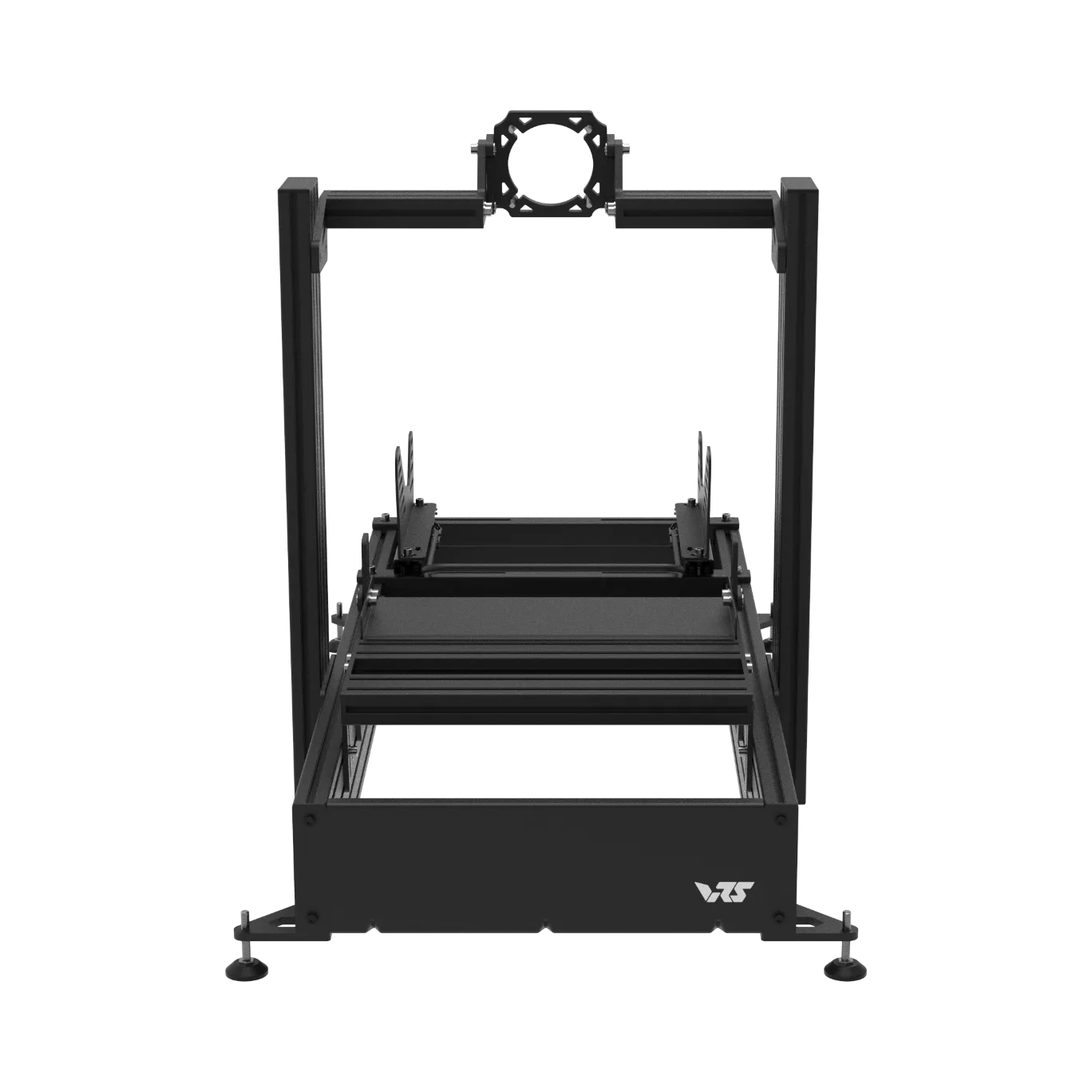
VRS GT-2
Seat and monitor mount are optional
Official manufacturer sources: VRS DirectForce GT-2 · VRS GT-2: soporte de una pantalla · VRS GT-2: soporte de tres pantallas
How to choose and calculate the complete cost
List what you are keeping and what you are buying. Then select base, wheel and pedals, resolve their connections and add cockpit, seat and screens only where needed. If the budget becomes tight, remove an optional extra before removing something required to make the system work.
Linked product pages and selections use the current catalogue: avoid comparing a bare chassis price with a complete seated system. Always check the exact variant, availability, taxes and shipping at checkout. The configurator organizes the purchase and highlights outstanding checks; an unverified rule is not a substitute for the manufacturer's manual.
Official manufacturer sources: VRS DFP15: características y conexión · VRS DirectForce Pro Pedals · VRS DirectForce GT-2 · VRS: manuales y software
Frequently asked questions before buying
- Do I need an all-VRS setup? No. You can retain other components after checking their connections and mounting.
- Is more torque always better? Not on its own: assess the complete system, use and budget rather than one number.
- Can I swap R295 and R295 G2 without checking anything? No. The generation and wheel connection matter.
- Can I add a clutch later? VRS offers its DirectForce Pro clutch as an expansion for compatible pedals.
- Does GT-2 always include a seat and mount? Do not assume so: check the exact configuration options.
- Does the list include every store charge? Review the variant, taxes, shipping and any outstanding parts before paying.
Official manufacturer sources: VRS DFP15: características y conexión · VRS R295: características y adaptadores · VRS R295 G2: USB y montaje · VRS DirectForce Pro Pedals · VRS DirectForce GT-2
Starting points for your VRS simulator
Review the variants and equipment you already own before continuing. Prices and availability come from the current catalogue; confirm the final amount and mounting checks with the store. These selections do not include a PC or displays. Complete the mounting and review the exact connections before buying.
VRS controls for PC
DFP15 + R295 G2 + DirectForce Pro Pedals.
Open this selectionVRS cockpit for three screens
DFP15 + R295 G2 + Pro Pedals + Pro Clutch + GT-2 · VESA 100 × 100.
Open this selectionConfirm the exact model, variant and current manufacturer manual before ordering.
Official manufacturer sources
- VRS DFP15: características y conexión
- VRS R295: características y adaptadores
- VRS R295 G2: USB y montaje
- VRS DirectForce Pro Pedals
- VRS DirectForce GT-2
- VRS QR Connect: guía de conexiones
- VRS GT-2: soporte de una pantalla
- VRS GT-2: soporte de tres pantallas
- VRS uDFP20: niveles de par actualizables
- VRS: manuales y software